🗂
Sort by type, date or extension
Images, Documents, Spreadsheets, Music, Videos, Installers… or folders by Year → Month.
Automatic file organizer for Windows 11 & 10 · v3.5
TidyMate files your Downloads, Desktop and Documents into neat folders, reads inside invoices and statements to put them where they belong, and keeps doing it automatically. Everything happens on your PC. You see every move first, and you can undo anything.
Simple enough for anyone. Careful enough for your important files.
Images, Documents, Spreadsheets, Music, Videos, Installers… or folders by Year → Month.
Reads inside PDFs, Word and Excel: invoices to Finance/Invoices/2026, statements to their bank, renamed your way.
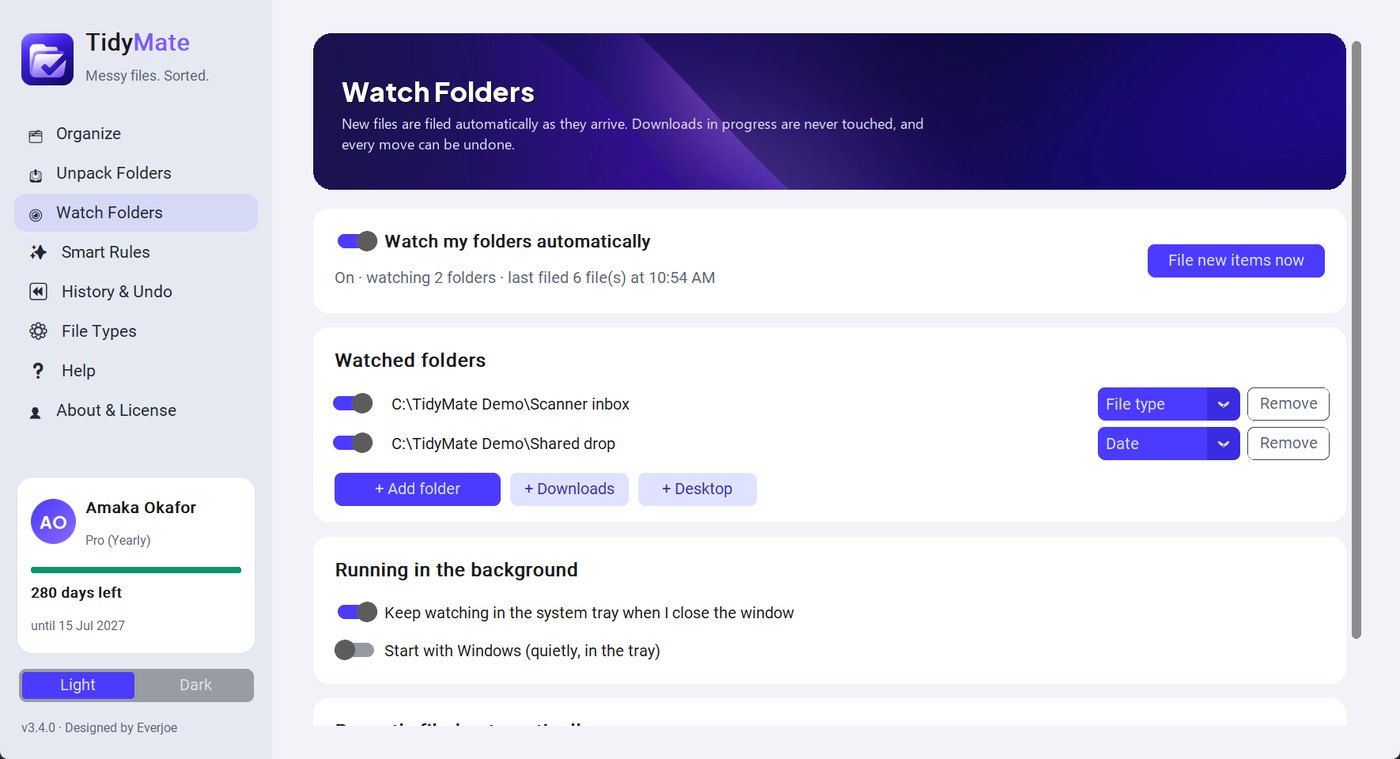
Runs quietly in the tray and files new downloads and scans the moment they finish arriving.
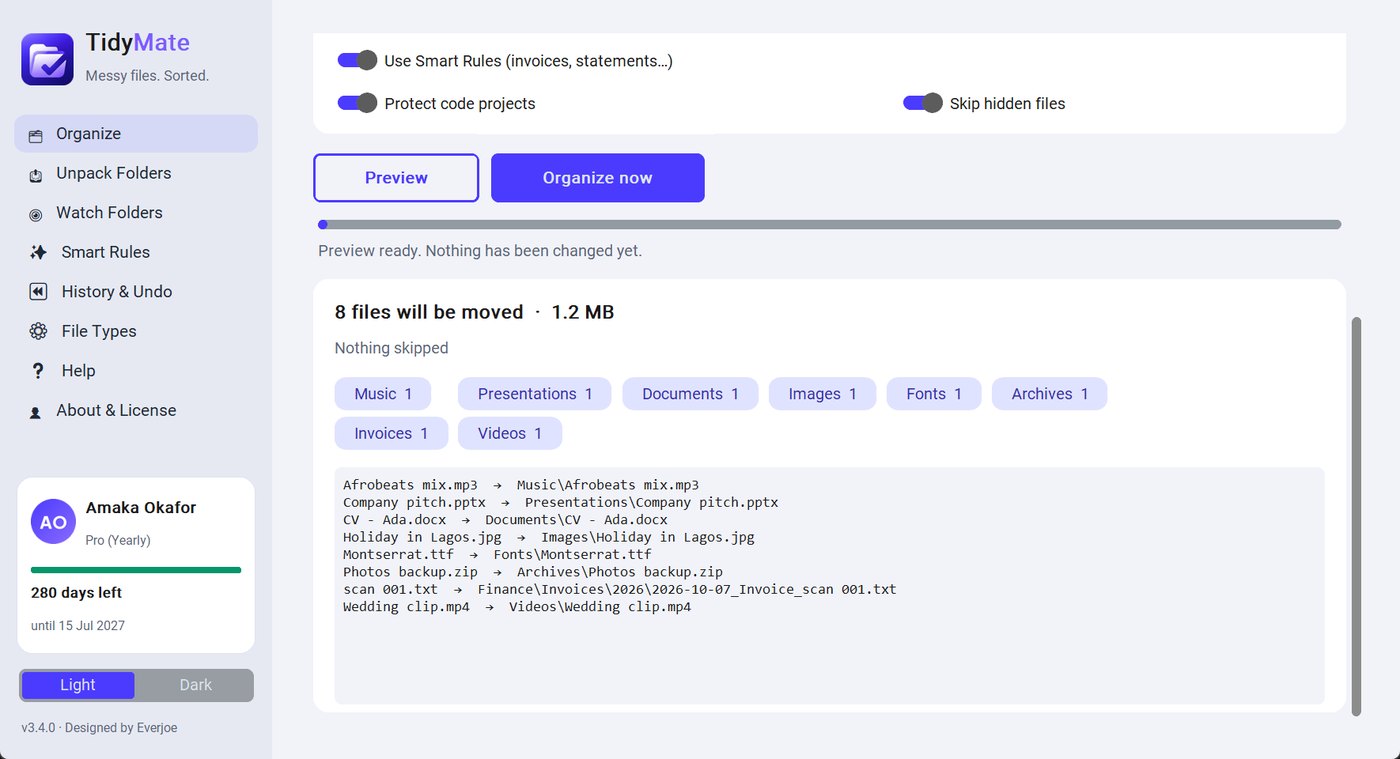
See every move before it happens. Undo any job later, even after restarting your PC.
See how many files TidyMate has filed and the hours it saved you. Export your History to Excel (CSV).
Export your Smart Rules to a file and import them on every office PC for one tidy standard.
Invoices, receipts, bank statements, CVs and contracts go straight to the right folder, renamed to your company's standard. It knows Nigerian banks too: GTBank, Zenith, Access, UBA, First Bank, Opay, Kuda, Moniepoint and more.
2026-10-07_Invoice_118.pdf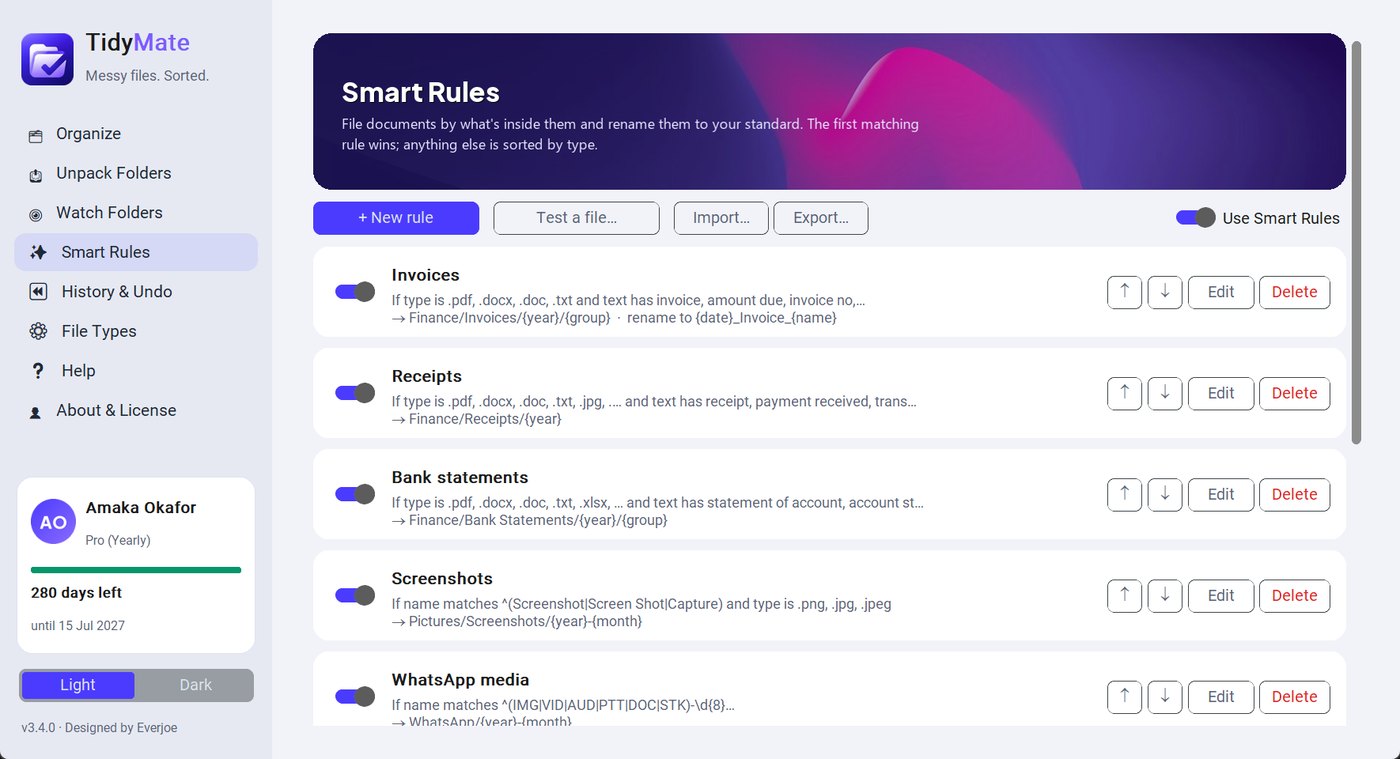
Choose Downloads, your scanner folder or a shared drop folder. New files are filed the moment they finish downloading, and a small notification tells you where they went.
Some new “AI” organizers upload your documents to their servers to read them. TidyMate reads them right where they are.
Smart Rules read PDFs, Word and Excel files on your own computer. Nothing is uploaded.
No sign-up and no tracking. Just download and start tidying.
The app only talks to our server to check your license and look for updates. No file names, no contents.
Never touches Windows folders, code projects, hidden files or unfinished downloads. Never overwrites.
Give every PC the same folders and file names: export your Smart Rules once and import them everywhere. Business adds your company logo and name inside the app and business invoices, and covers up to 10 computers. Enterprise is tailored to larger organisations.
See business plansThe careful, local-first organizer, with prices in Naira and support from the developer.
| TidyMate | File Juggler | File Arbor | DropIt | Sparkle | |
|---|---|---|---|---|---|
| Reads inside documents | PDF, Word, Excel, PowerPoint | PDF, Word | PDF, Word | No | Yes (AI) |
| Automatic Watch Folders | Yes | Yes | Pro | Yes | Yes |
| Preview every move first | Yes | Rule tester | Yes | No | Partly |
| One-click undo, even after restart | Yes | Log only | Yes | No | Partly |
| Your files stay on your PC | Always | Yes | Yes | Yes | Cloud AI |
| Knows Nigerian banks & invoices | Yes | No | No | No | No |
| Easy for non-technical users | Yes | Medium | Yes | Technical | Yes |
| Free plan | 1 active folder, 2 Smart Rules | Trial only | 1 folder, 2 rules | Free (open source) | Trial only |
| Pay in Naira, talk to the developer | Yes | No | No | No | No |
Based on each product's public information, October 2026. Features and prices change, so check each vendor's website. Product names belong to their owners.
Downloads, Desktop, Documents, or any folder you like.
Check the plan: totals per category and every single move.
Done in seconds. Not happy? Click Undo in History.
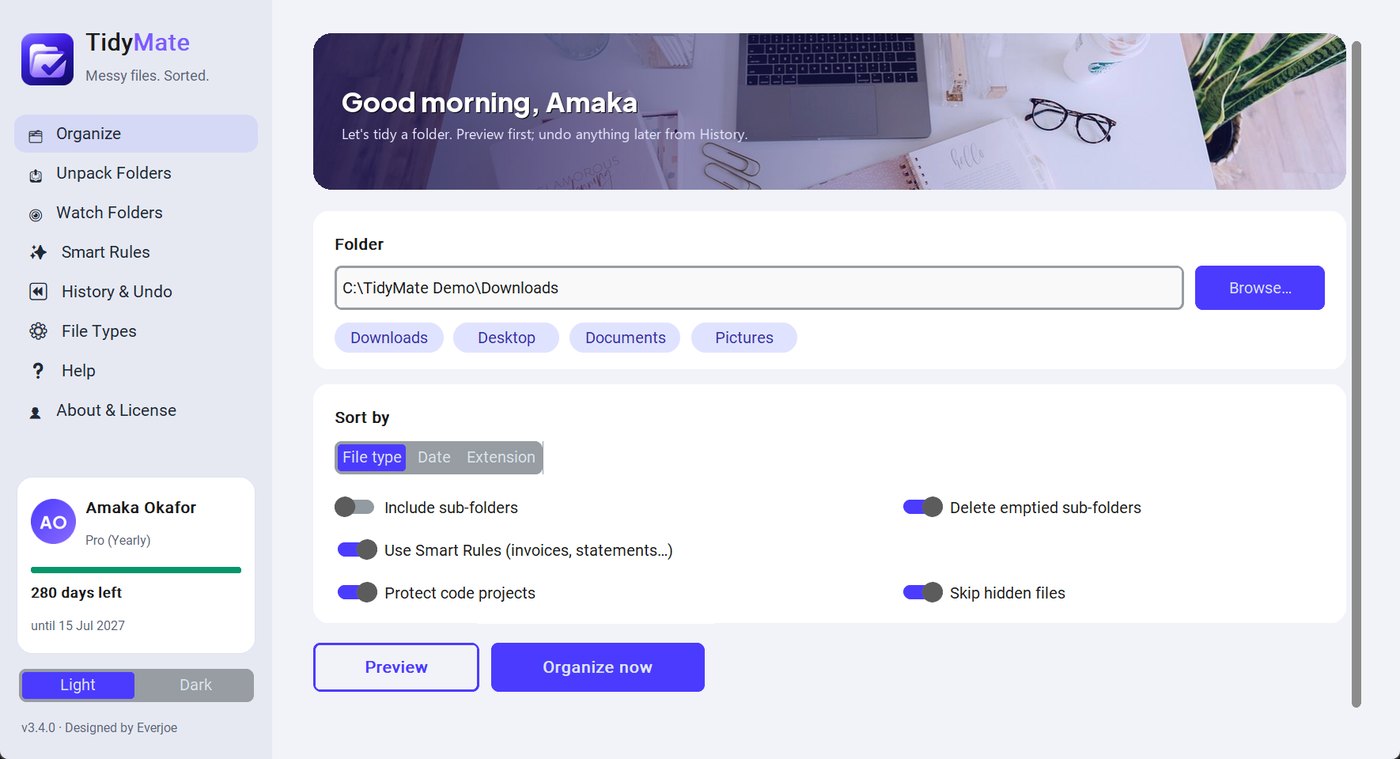
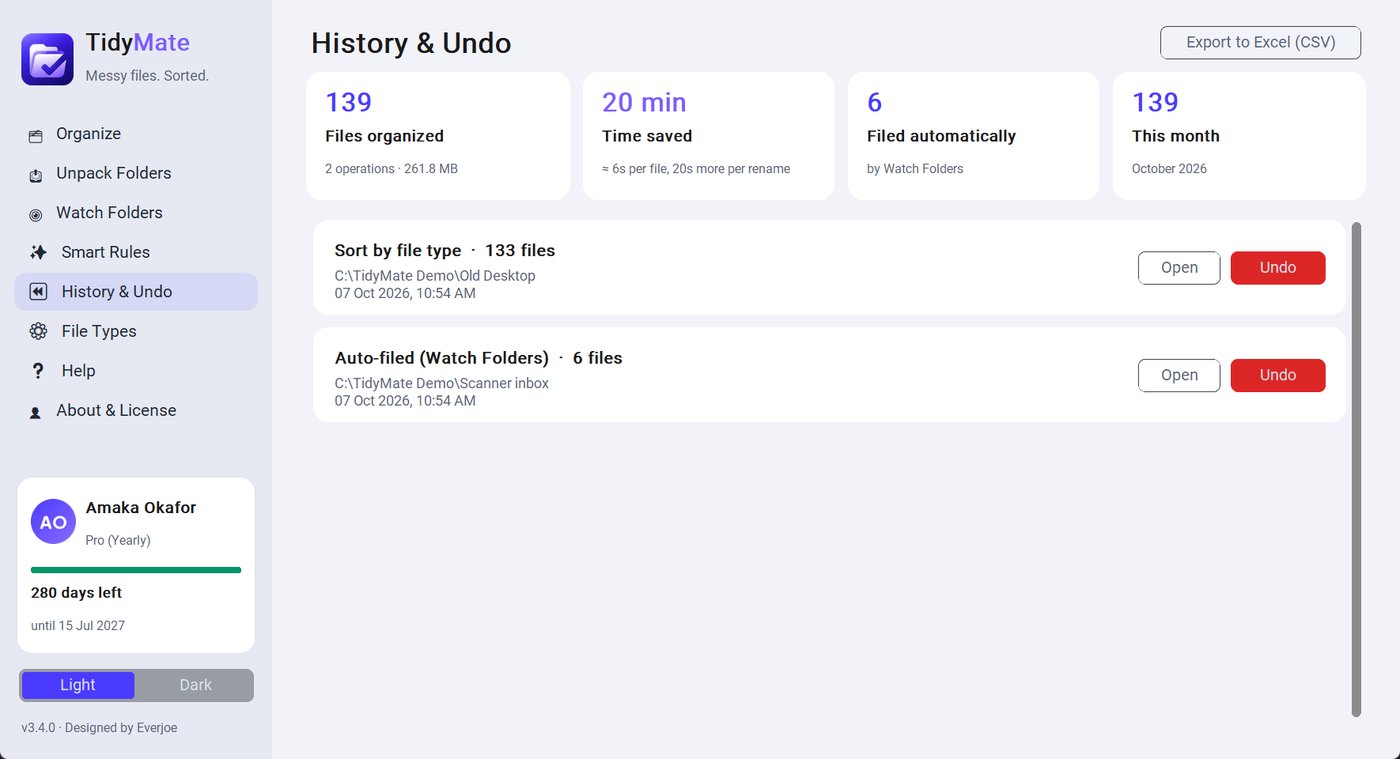
Real recordings of the app and this website. Captions are built in, so they work with the sound off too.
Free plan included: 1 active folder and 2 Smart Rules, with Preview and Undo. Activate a paid plan when you're ready.
Needs: 64-bit Windows 10 or 11 · 4 GB RAM · 200 MB free space · internet once to activate a bought key. No administrator rights needed.
Antivirus: the app is built to be antivirus-friendly and carries Everjoe's publisher details. If your antivirus asks, choose Allow, or email us.
Already using Everjoe Folder Organizer? Just install TidyMate over it: your settings, rules and history carry over.
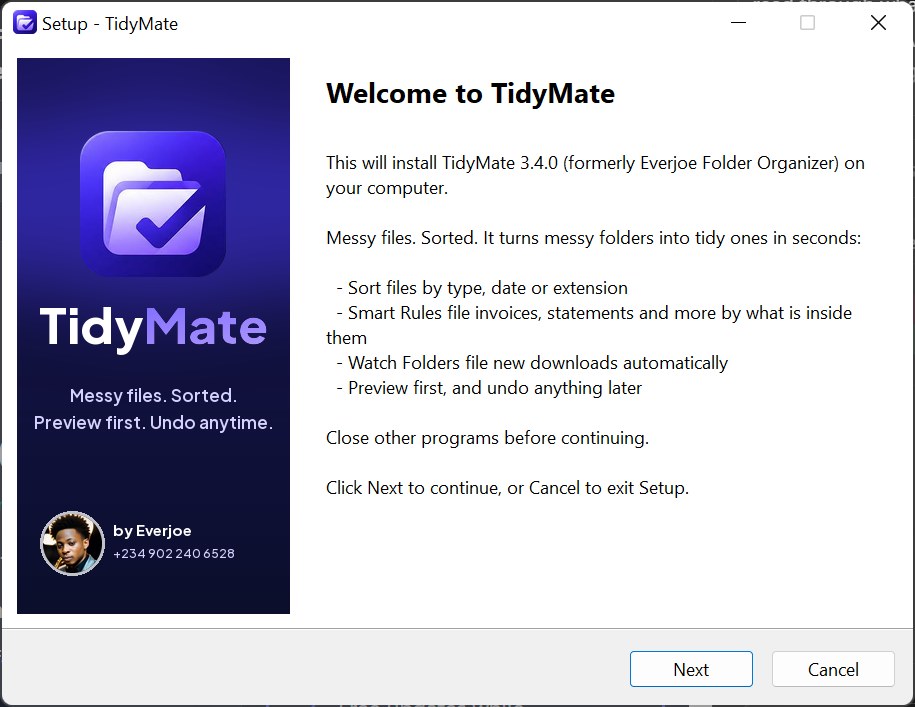
winget install Everjoe.TidyMate and press Enter.winget upgrade Everjoe.TidyMate.winget comes with Windows 10 and 11. If it's missing, install App Installer from the Microsoft Store.
choco install tidymate and press Enter.choco upgrade tidymate.Needs Chocolatey. Installs TidyMate for all users on the PC.
Pay online with Paystack (Naira) or Stripe (cards worldwide). Your license key appears instantly and is emailed to you.
Loading plans…
Active folders: an active folder is a folder TidyMate is configured to organize or monitor. There's no limit on the number of files.
Yearly billing: pay for 10 months, get 12. Plans renew automatically and can be cancelled anytime.
Already bought? Get your key again.
Prefer to pay another way? Email us.
Windows 11 and Windows 10 (64-bit). macOS and Linux versions are planned but not available yet.
No. TidyMate sorts and reads your documents on your own PC. It only sends your license key, machine ID and app version to our server (to check your license and for updates); no file names or contents are ever sent. See the privacy policy.
No. It only moves files, never deletes them, and never overwrites anything. If two files have the same name, the second becomes “photo (1).jpg”.
Yes. The free plan works on 1 computer with 1 active folder (you can swap it once a month) and 2 Smart Rules, plus Preview and History & Undo. Paid plans add more active folders and Smart Rules, Watch Folders, Unpack and content-aware organization.
An active folder is a folder TidyMate is configured to organize or monitor. There's no limit on how many files it holds.
No. Plans are monthly or yearly. Yearly saves you 2 months: you pay for 10 months and get 12.
A paid plan needs internet when you activate, then at least once every 7 days so your license can be confirmed. The free plan works fully offline.
Yes. Smart Rules read the text inside PDF, Word, Excel and PowerPoint files and file invoices, receipts, bank statements, CVs and contracts, optionally renaming them. Scanned images without text can't be read yet.
Yes. Watch Folders runs in the system tray and files new items as soon as they finish downloading. You can pause it anytime.
Yes. Every Organize, Unpack or automatic job is kept in History. One click puts every file (and any removed folder) back, even after restarting your PC.
Yes. Windows shows “Windows protected your PC” for new apps from small developers: click More info → Run anyway. The app never sends your files anywhere.
Personal is for one computer, Pro for up to 3 and Business for up to 10. Enterprise is tailored to you.
The app drops back to the free plan: Preview and Undo keep working, and you can still organize your most recent active folder. Renew online and everything unlocks again.
Yes. Everjoe Folder Organizer was renamed TidyMate in version 3.4. Install it over the old version: settings, rules and history keep working. Preview license keys from before the official launch on 22 December have ended; the free plan keeps working.
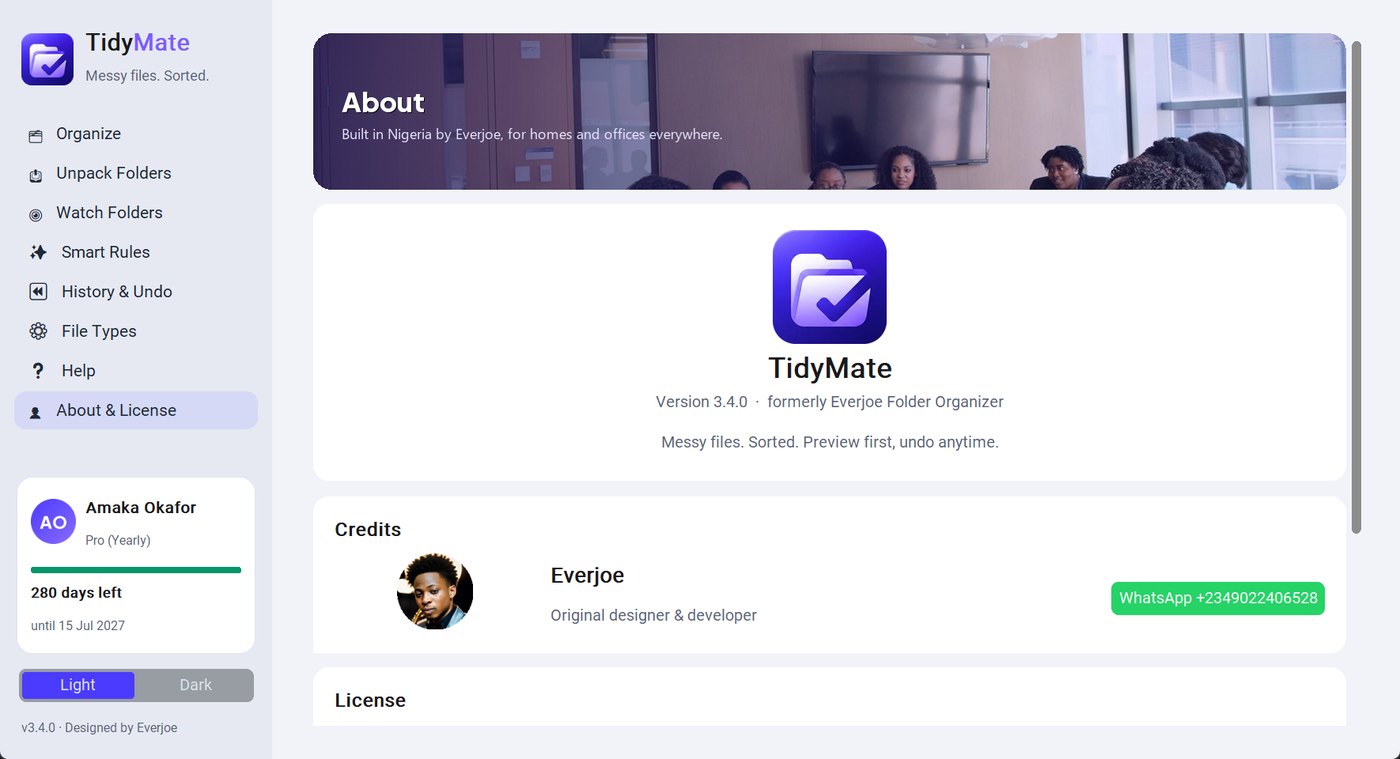
The people helping to build and support TidyMate.